

🔄 n8n integration
Airparser provides an official n8n integration that lets you automate document parsing and send structured data to other apps and workflows.
You can find the integration here: https://n8n.io/integrations/airparser/
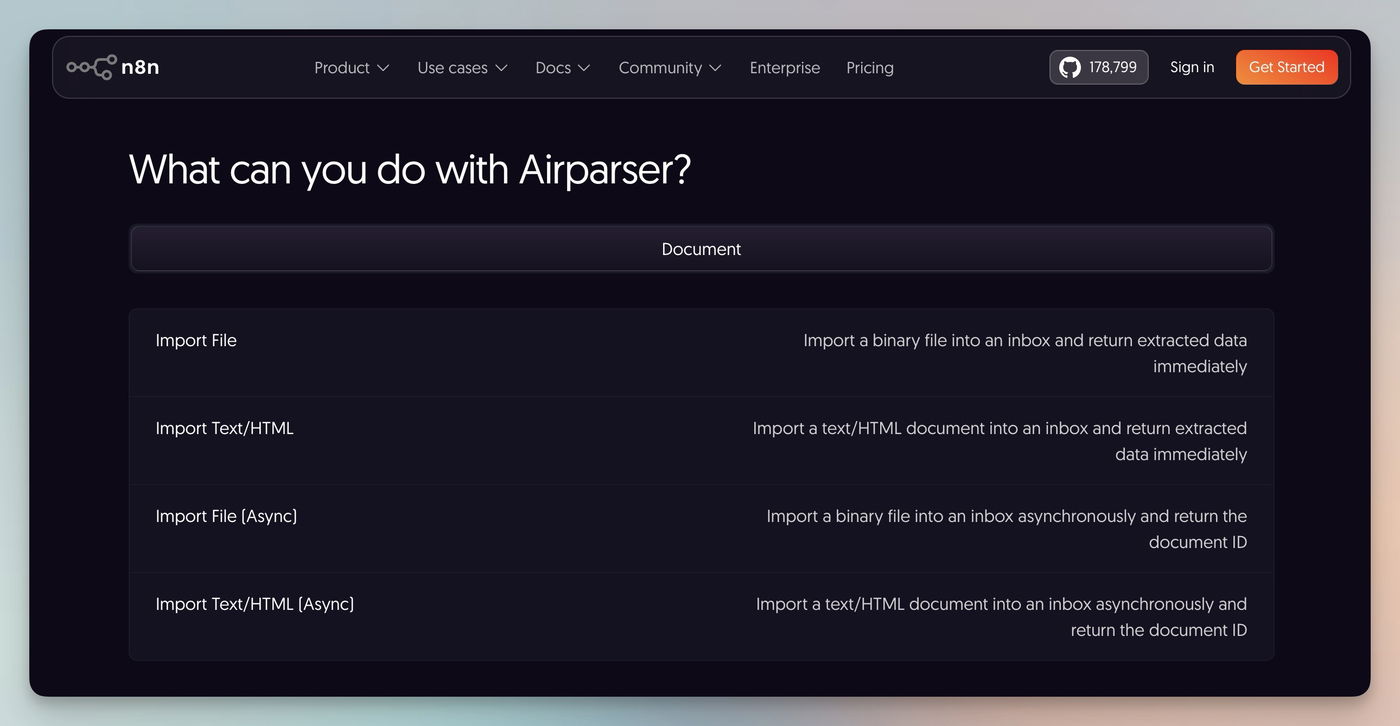
What you can do with the Airparser n8n node
The Airparser node allows you to import documents into Airparser, extract structured data, and send the results to other n8n nodes or connected apps.
Actions
The Airparser node supports the following actions:
Import File
Imports a binary file (such as PDFs, images, or documents) into an Airparser inbox and returns the extracted data immediately.
This action waits for parsing to complete before returning the results.
Common use cases
Parse files downloaded from Google Drive
Extract data from email attachments
Process files stored in S3 or other storage services
Import Text/HTML
Imports plain text or HTML content into an Airparser inbox and returns the extracted data immediately.
This action waits for parsing to complete before returning the results.
Common use cases
Parse email body content
Extract structured data from webpages
Parse HTML documents or raw text
Import File (Async)
Imports a binary file into an Airparser inbox asynchronously and returns the document ID immediately, without waiting for parsing to complete.
You can retrieve the parsed data later using the On document processed trigger.
Common use cases
Process large files
Import multiple files in batch workflows
Trigger workflows once parsing finishes
Import Text/HTML (Async)
Imports text or HTML content asynchronously and returns the document ID immediately, without waiting for parsing to complete.
You can retrieve the parsed data later using the On document processed trigger.
Common use cases
Process large text documents
Handle high-volume workflows
Trigger follow-up automation after parsing
Trigger
On document processed
This trigger fires when Airparser finishes parsing a document.
It allows you to send the extracted structured data to other n8n nodes and connected apps such as: Google Sheets, CRMs, Databases, Webhooks, Messaging platforms like Slack.
Authentication
To connect Airparser to n8n, you need an API key.
Open your Airparser account settings
Copy your API key
Paste it into the Airparser credential setup in n8n
No OAuth setup is required.
Typical use cases
Parse invoices, receipts, or contracts and send data to accounting tools
Extract data from emails and forward it to CRMs or spreadsheets
Automate document workflows across cloud storage, databases, and internal systems
You can find step-by-step workflow examples in the related articles below.